With VisionEboks, you can now send invoices, refunds, etc. directly from Microsoft Dynamics 365 Business Central to e-Boks
VisionEboks digitizes the process of sending documents from the financial system to eBoks.
This allows private customers (with a CPR number) and corporate customers (with a CVR number) to receive documents from Business Central - such as invoices, credit notes and advance vouchers - directly in the customer's e-Box, …so your customers get them in the same e-Box where they already receive their important mail. VisionEboks handles the connection between Business Central and e-Boks for you — you simply choose which documents to send.
How to send documents automatically from Business Central to e-Boks
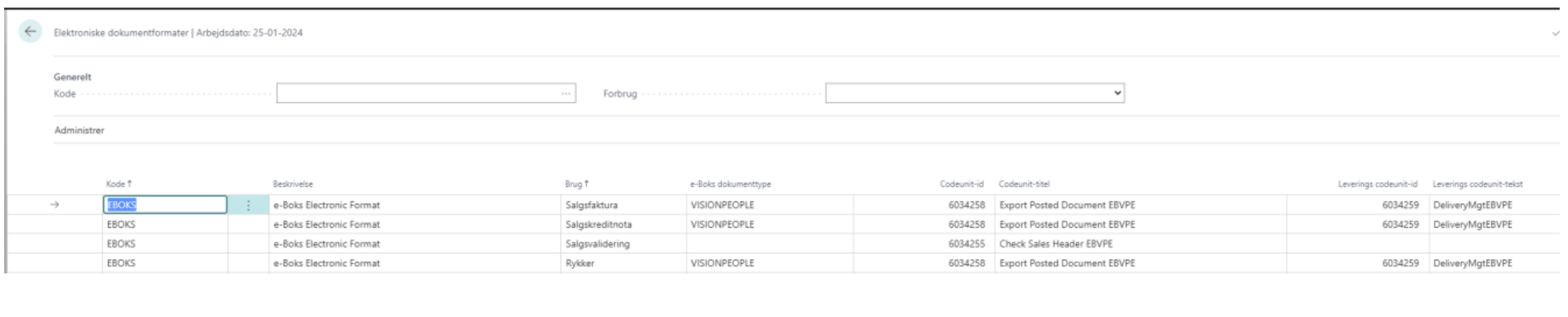
Before you get started, youll need an agreement with either KMD and OneToox or a vendor that can receive documents via Secure FTP (SFTP). Once you have the information from OneToox or another vendor, it must be entered in the setup:
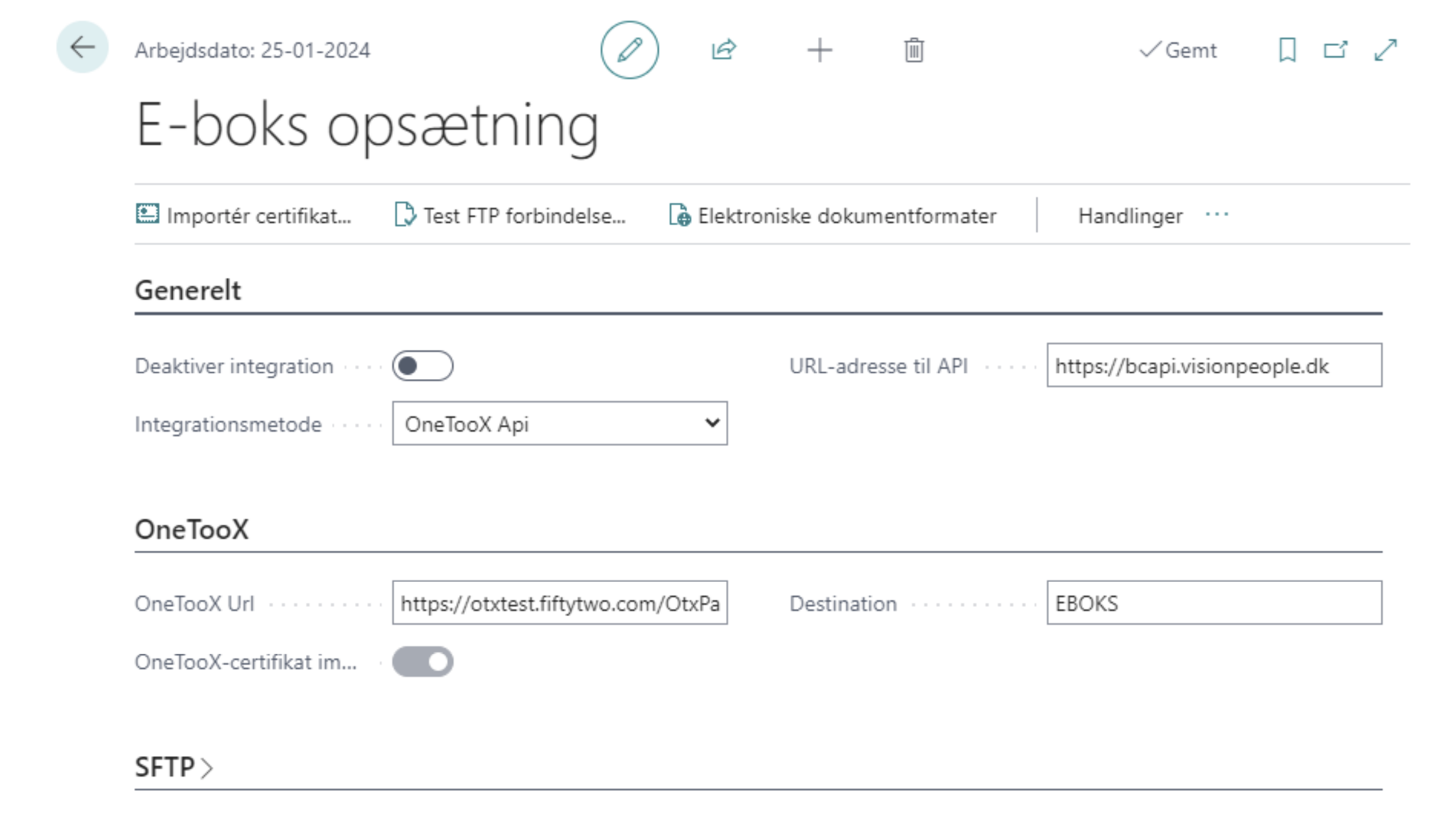
Set up the sending to e-Boks to happen automatically
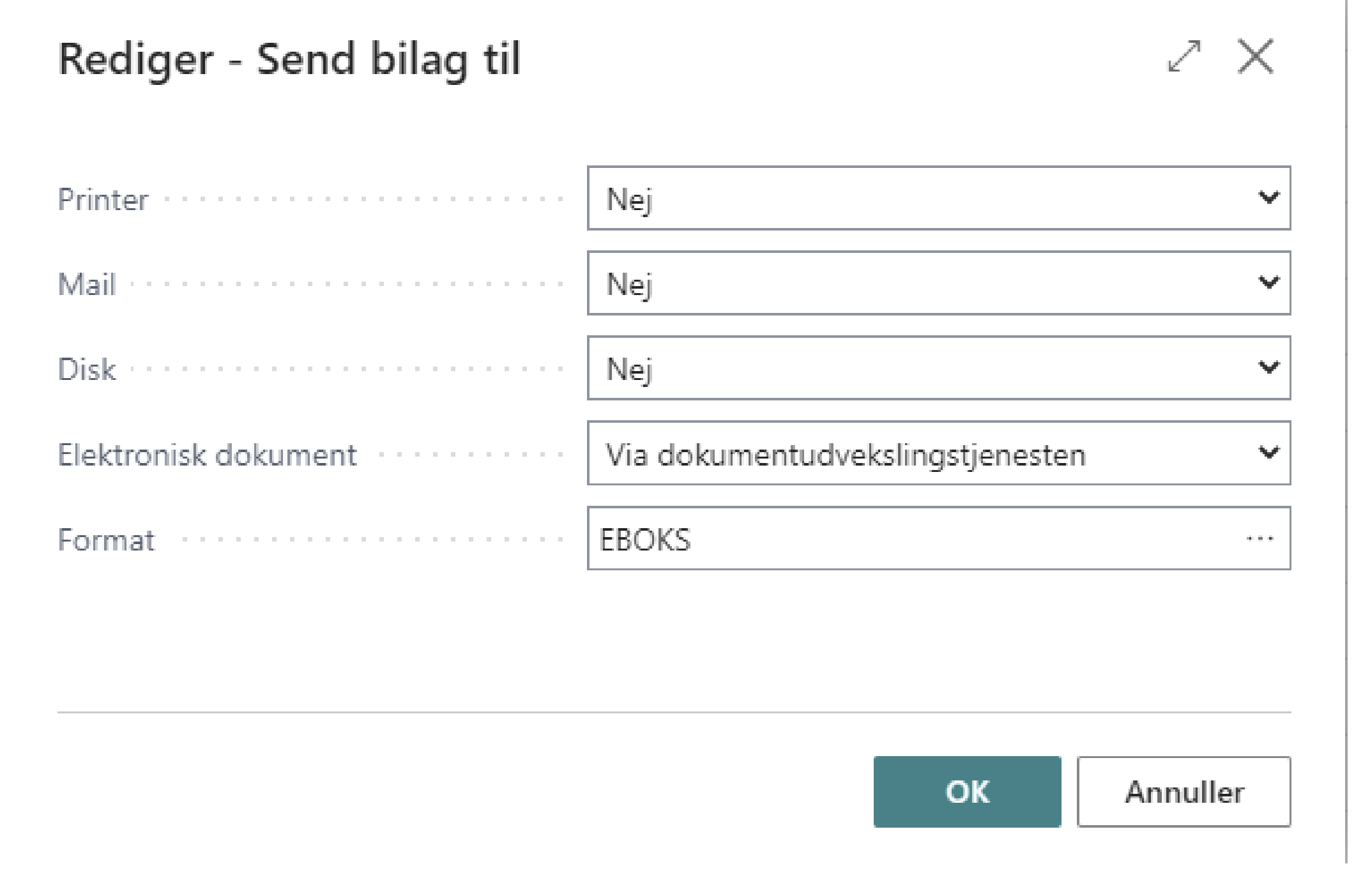
Once this is done, you can send via the Document Exchange Service and the EBOKS format: